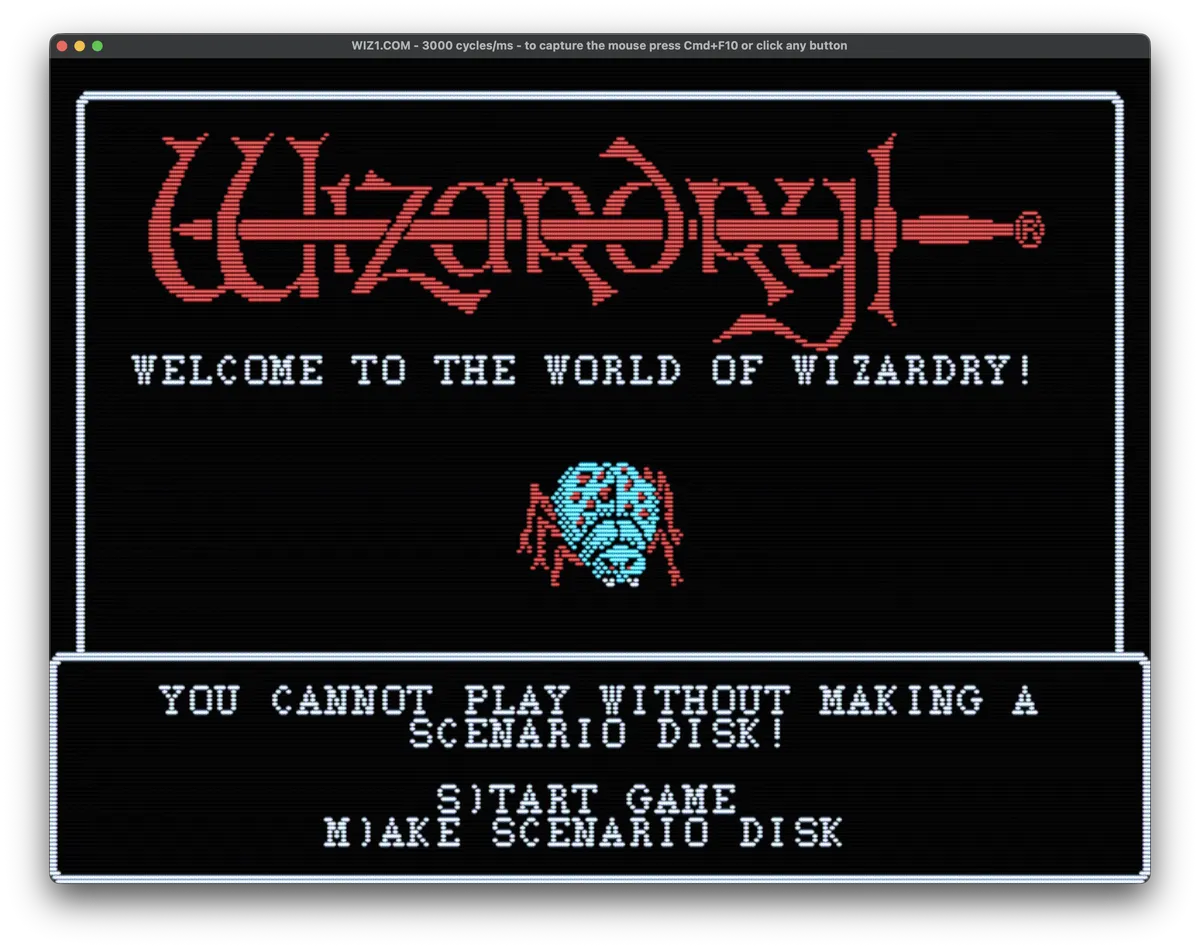
Chapter 1: Let's Teach the Mac to Play Wizardry
I love Wizardry.
I played it when it originally came out in the early 1980s. I meticulously mapped every level, drawing the dungeon out neatly on graph paper as I explored. So when I recently got the idea of seeing whether I could teach my Mac to play Wizardry by itself, there really wasn't much chance I was going to leave the idea alone.
I brought the idea to Moose, my name for ChatGPT, along with a copy of the IBM version of the game. We started poking around to see whether this was even practical.
It was.
We discovered that we could run Wizardry under DOSBox on my Mac, send keyboard commands to it directly, and—most interestingly—read the game's graphics memory. That last part meant we wouldn't necessarily have to keep taking screenshots and asking AI to figure out what was on the screen. Our Python code could look directly at the game's video memory to help determine what Wizardry was displaying.
This was beginning to look less like a crazy idea and more like a crazy idea that might actually work.
The rules
I also gave Moose a copy of the original Wizardry manual.
That was important to me. I don't want the AI armed with walkthroughs, maps, lists of secrets, and 45 years of accumulated Wizardry knowledge from the Internet. The manual explains the controls, races, character classes, attributes, magic, combat and the basic goals of the game.
It was enough for us in 1981.
It should be enough for Moose.
And then we started coding
We started somewhat recklessly.
My first request was essentially:
Let's start with character creation. We need the automation to be able to start from square one, build a party, and set them off on an adventure.
Moose produced a Python file to control the game and a .command file to launch it. Very quickly we settled into a development cycle:
I give Moose a feature request. Moose writes or modifies the Python code. I download the files from ChatGPT and put them into the working directory. I run the program. I watch Wizardry do something unexpected. I tell Moose what went wrong. Repeat.
There was also a little archaeological work required on me. Everything was running from a shell on my Mac, and while I'm quite at home with PowerShell on Windows, it had been a long time since Unix commands like ls -R were in my muscle memory.
So while Moose was learning Wizardry, I was relearning Unix.
Fair enough.
Signs of life
Most of the first problems were wonderfully primitive.
"The game fires up, but nothing happens."
Or:
"I can see you sending keystrokes, but Wizardry isn't accepting them because you missed a menu."
This was actually encouraging. We weren't wrestling with some enormous theoretical AI problem. We were wrestling with the same sorts of stupid little problems that have occupied programmers forever: I told the computer to do something. Why didn't the computer do the thing?
By the end of the first day, though, the infrastructure was there. Wizardry could run. Python could interact with it. We had a way to inspect what the game was doing. And we had established a working rhythm for teaching it a little bit more each time.
I added one important rule for the experiments: 100 keystrokes.
Moose gets at most 100 keystrokes in a session, after which the automation has to gracefully shut things down. That's enough time for something interesting to happen, but short enough to give each experiment a natural ending.
And so, after more than four decades of me playing Wizardry, we were finally ready to begin finding out whether Wizardry could play without me.